SA600 Air Purifier: 5-speed image 3

SA600 Air Purifier: 5-speed

UK Plug
€280,00
Sale price  €280,00 Regular price 
Skip to product information
SA600 Air Purifier: 5-speed image 3

SA600 Air Purifier: 5-speed

Taxes are calculated at checkout.

€280,00
Sale price  €280,00 Regular price 

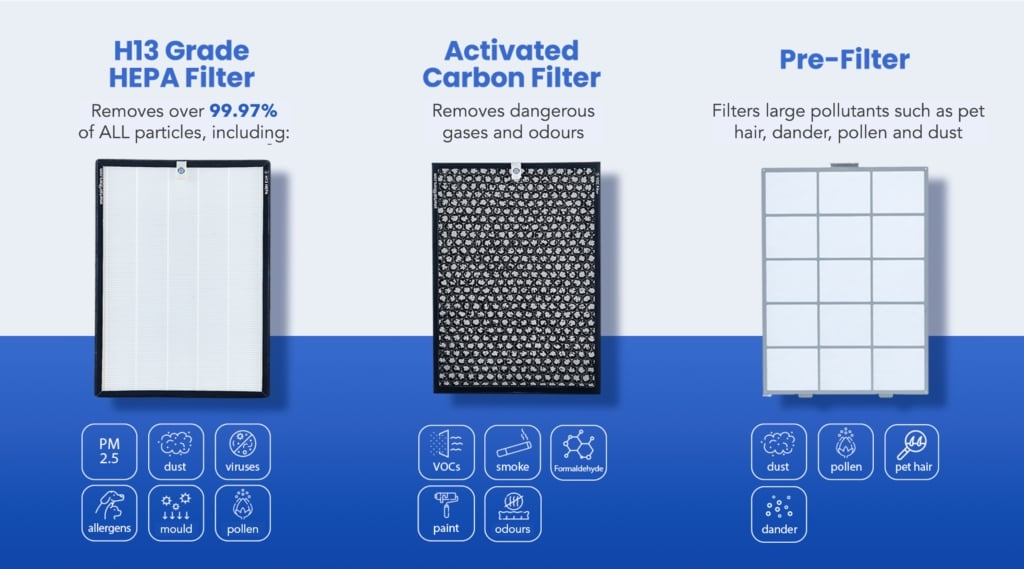
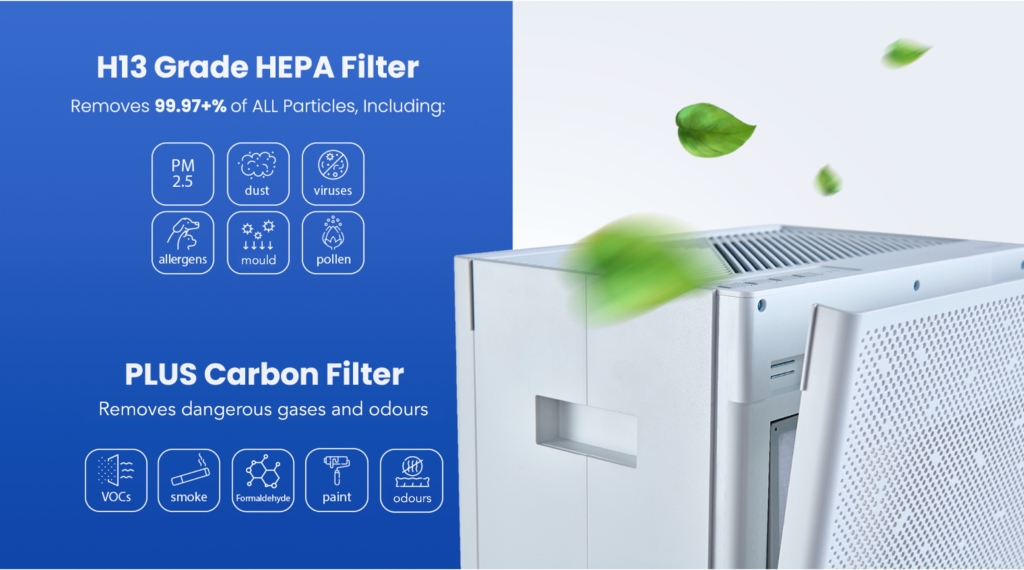
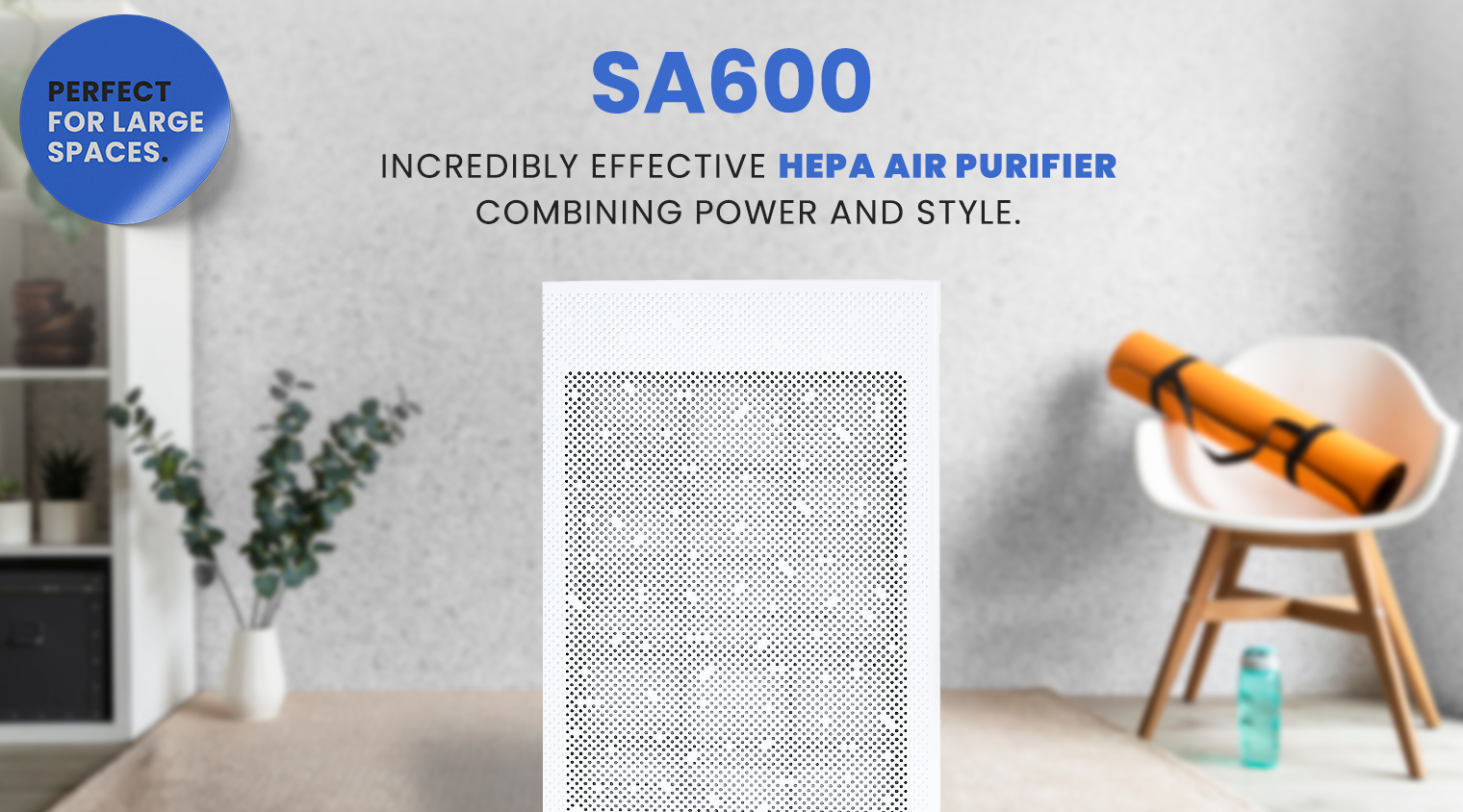
SA600 air purifier with a 5-speed system and H13 HEPA filter, removing 99.97% of pollutants along with gases and odors. Designed for clean, healthy air.

Intentional design

We create with intention. Our products solve real problems with clean design and honest materials.

Quality first

We obsess over the details and strive to deliver the best products at the best prices, every time.

Customer care

We're always on your side: keeping our loyal customers happy is our top priority and number one goal.
Description


Smart Air is a social enterprise and the only certified B-Corp dedicated to fighting air pollution


Delivery information

In-stock! Delivered within 3-5 business days

Warranty

1-year warranty.

Frequently Asked Questions

Can I run this as a HEPA only unit?
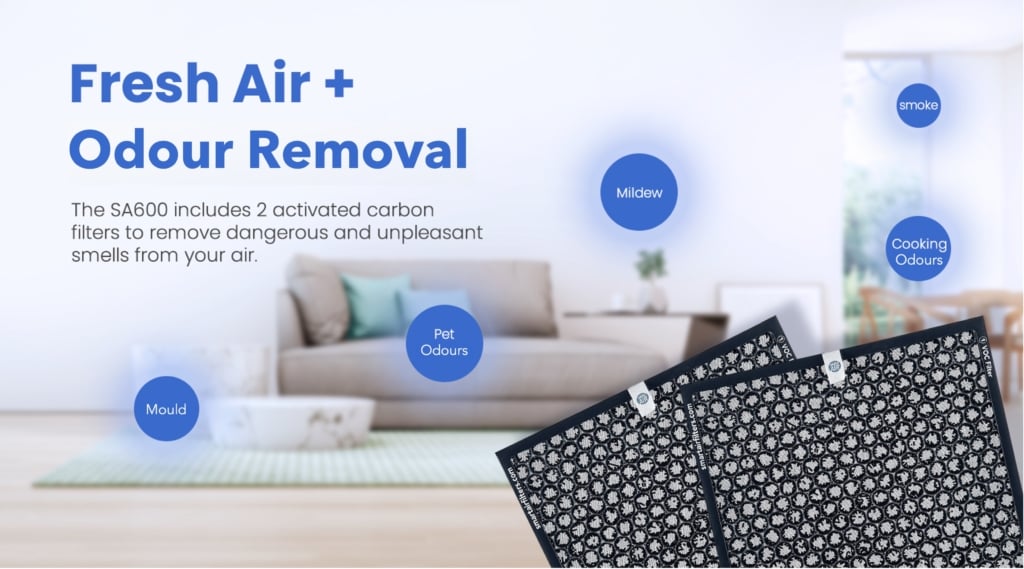
Yes, some countries prefer this as a HEPA only unit. In the UK, we sell this with HEPA and Carbon but you can choose to remove the carbon filter or just not replace it.
Does the SA600 have I/O and level memory?
Yes. If the power is switched off, the SA600 will automatically turn on and run at the same level once the power supply resumes.
How do the buttons for visually impaired people work on the SA600? Is it Braille?
It’s not Braille. We are considering including a card brochure in future batches that has two or three lines of braille telling people to listen to the instruction manual online. However, the two raised sections on the air purifier control board work like the raised sections on the J and F keys on your keyboard (check out your laptop keyboard now!). These help those who are hard of sight identify certain buttons, and feel their way around.
Why do I need to push the button twice to change the speed or switch the purifier off?
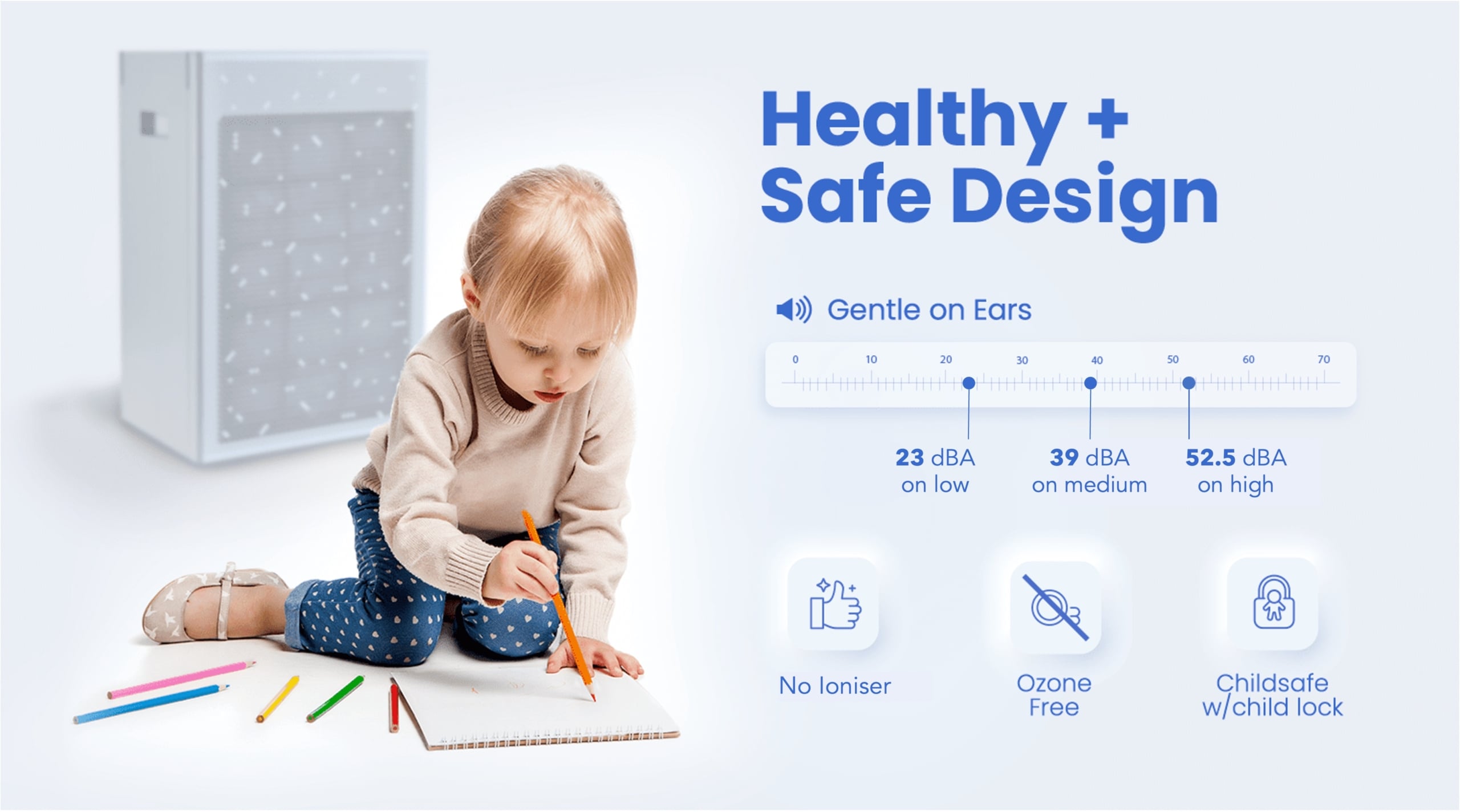
The SA600 has an auto-dimming feature which switches on after a few minutes. The first time you push the button, you light up the panel, then you can make changes to the speed. The auto-dimming feature helps preserve electricity and is also useful at night if you use the SA600 in your bedroom.
How do I change the light setting?
The default setting for the 5 speed version is to dim the lights after 30 seconds. If you wish to have the lights constantly on, you can do so by long-pressing the 'fan speed' button for 5+ seconds. After this, all the lights will flash once to indicate the change has taken effect and the lights will remain on constantly.

Didn't find your answer?

Don't hesitate to contact us

You may also like