CO₂ Monitor image 0

CO₂ Monitor

€96,80
Sale price  €96,80 Regular price 
Skip to product information
CO₂ Monitor image 0

CO₂ Monitor

Taxes are calculated at checkout.

€96,80
Sale price  €96,80 Regular price 

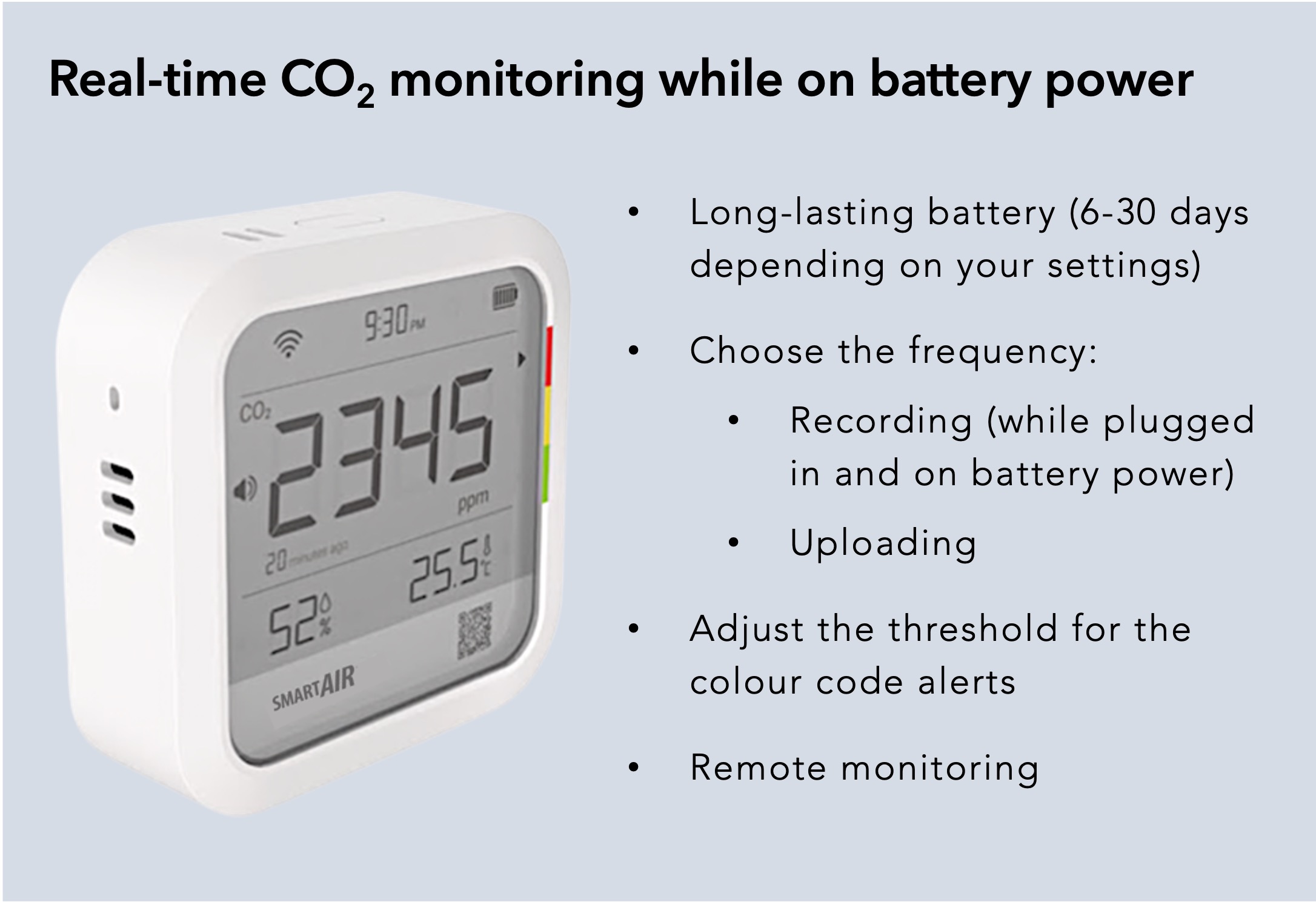
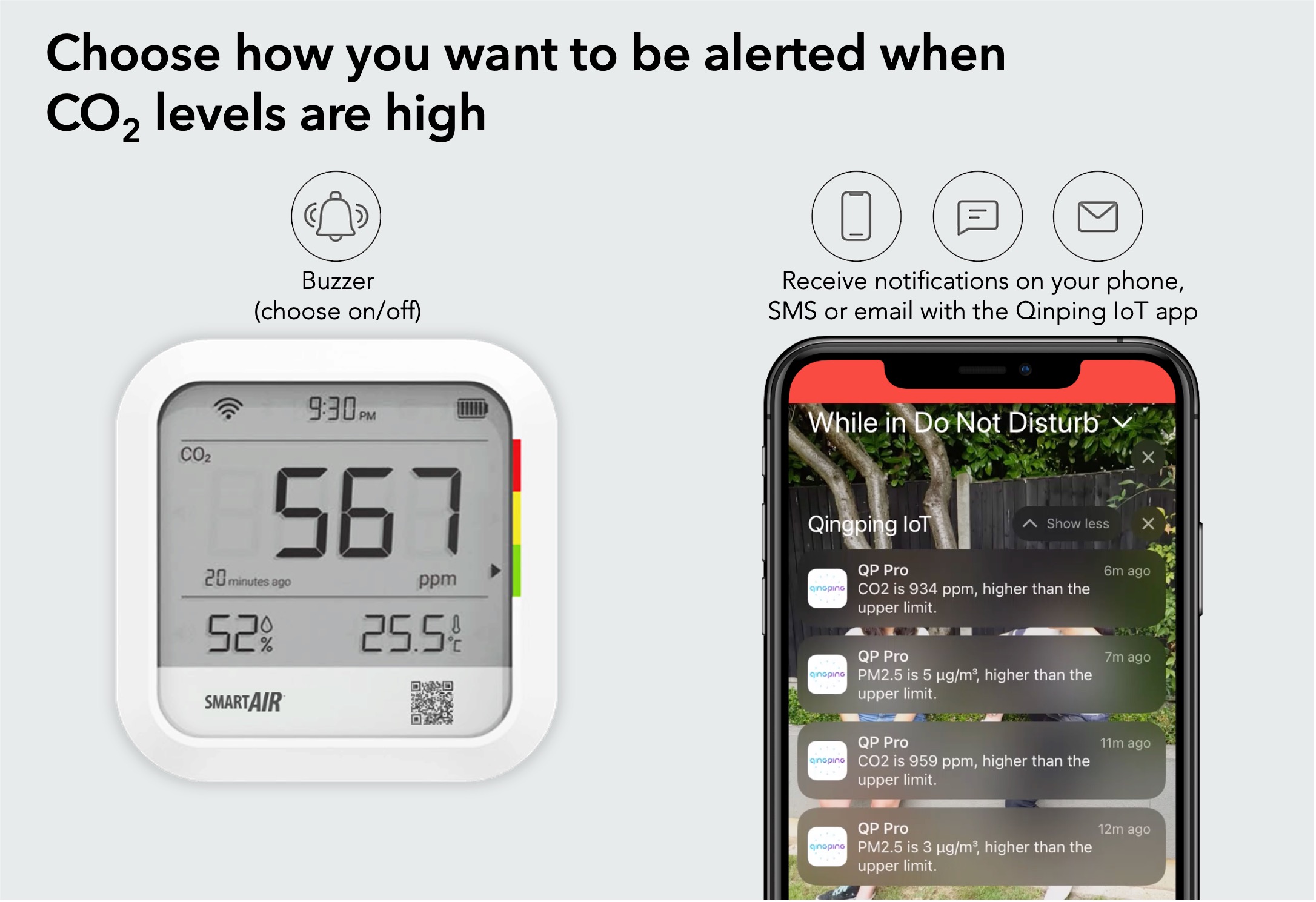
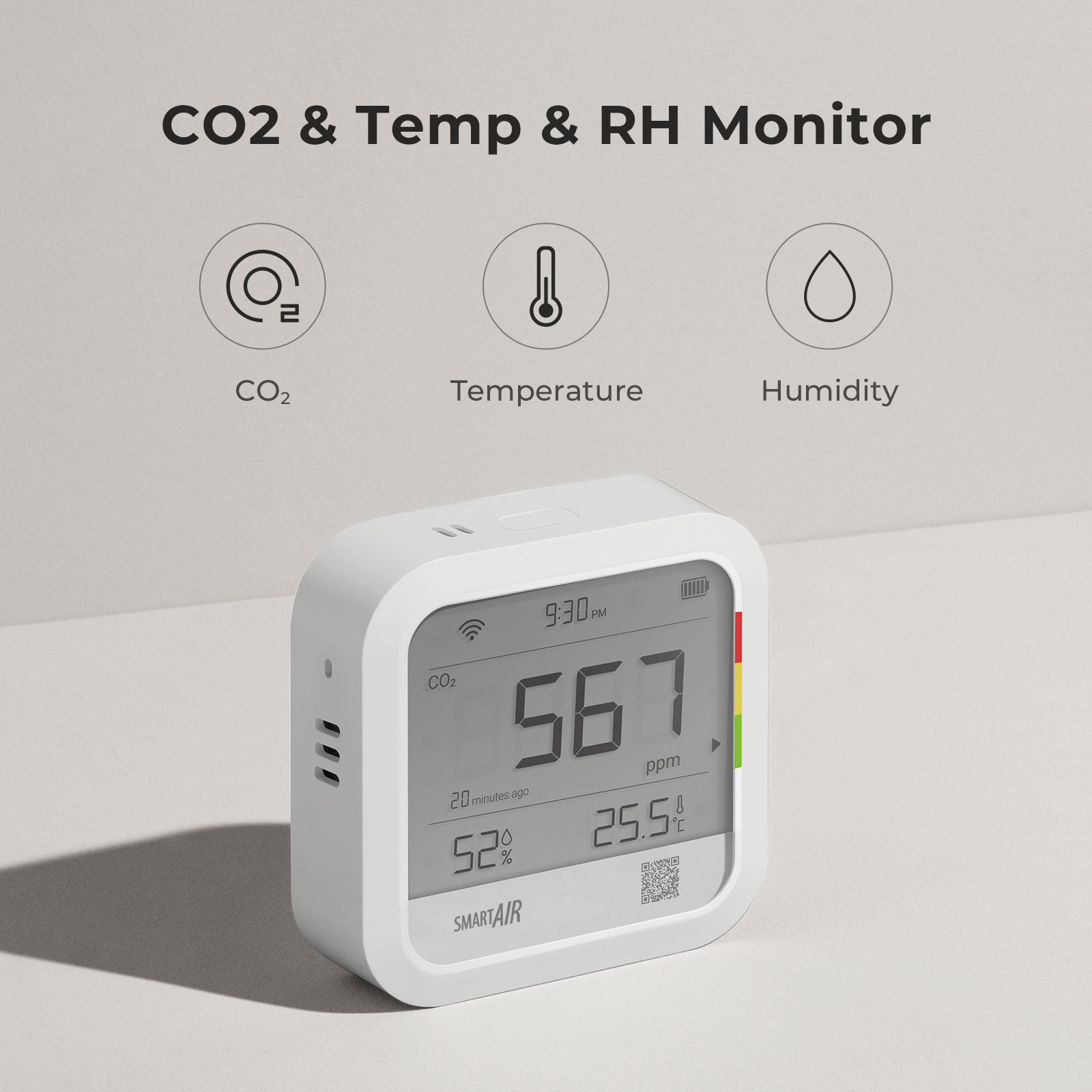
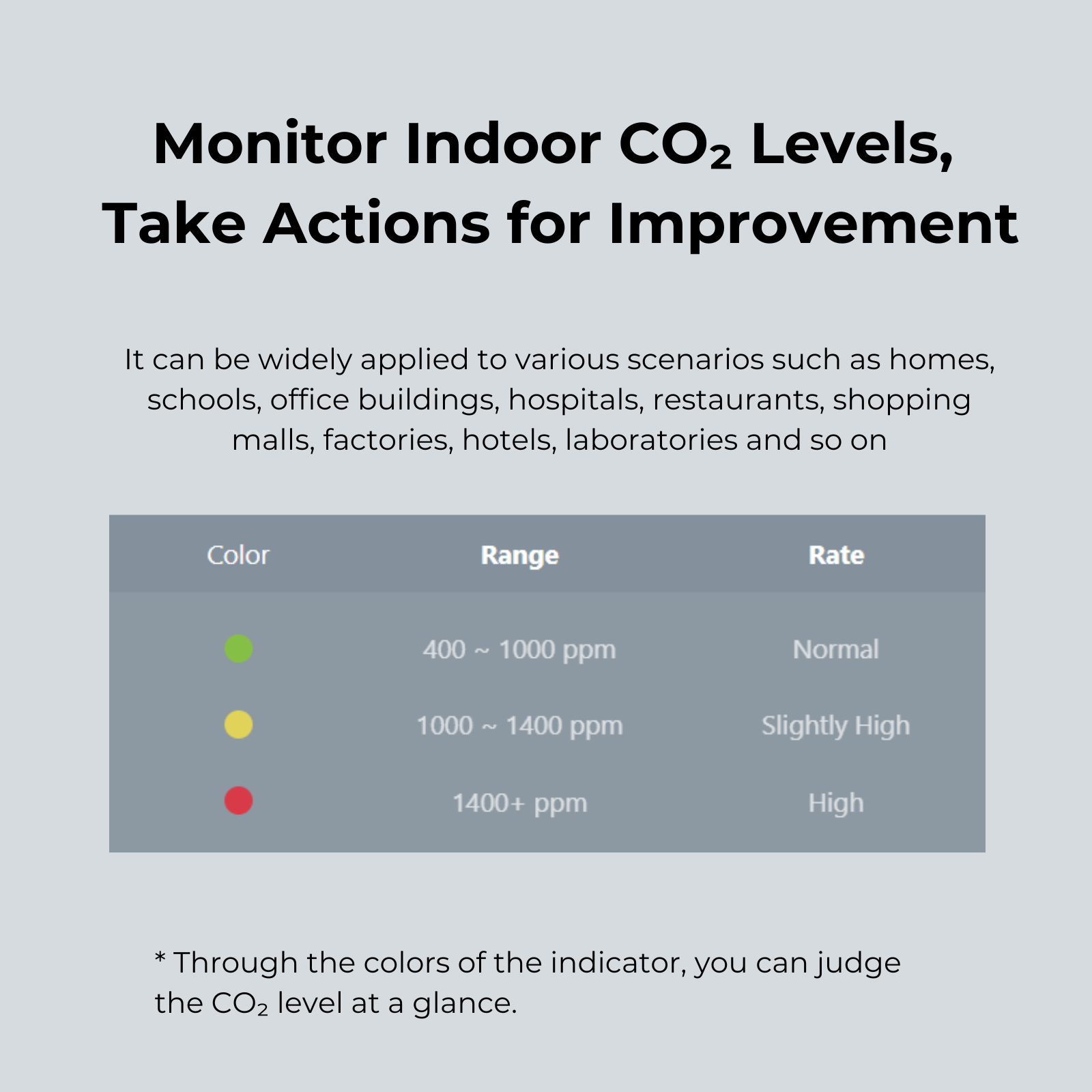
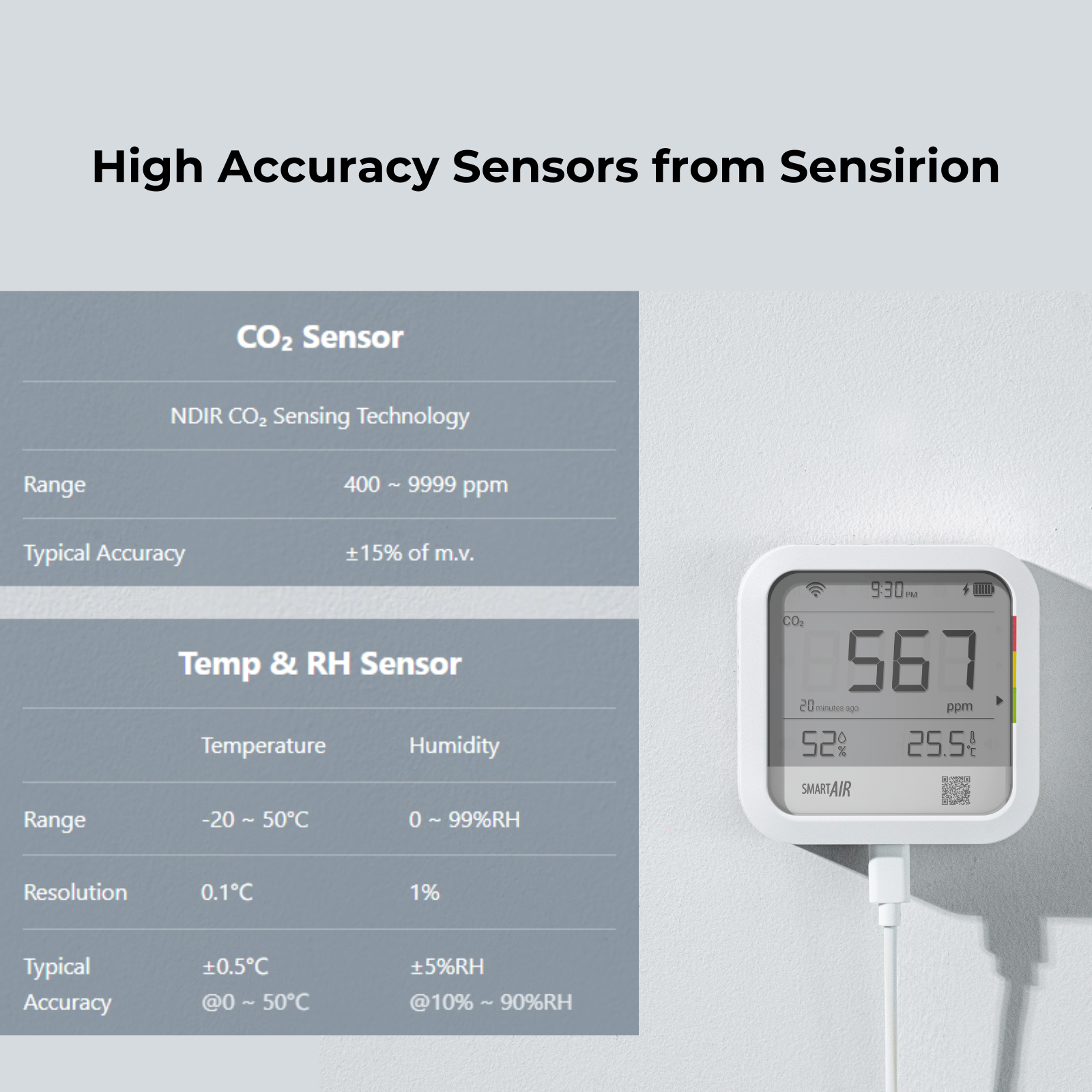
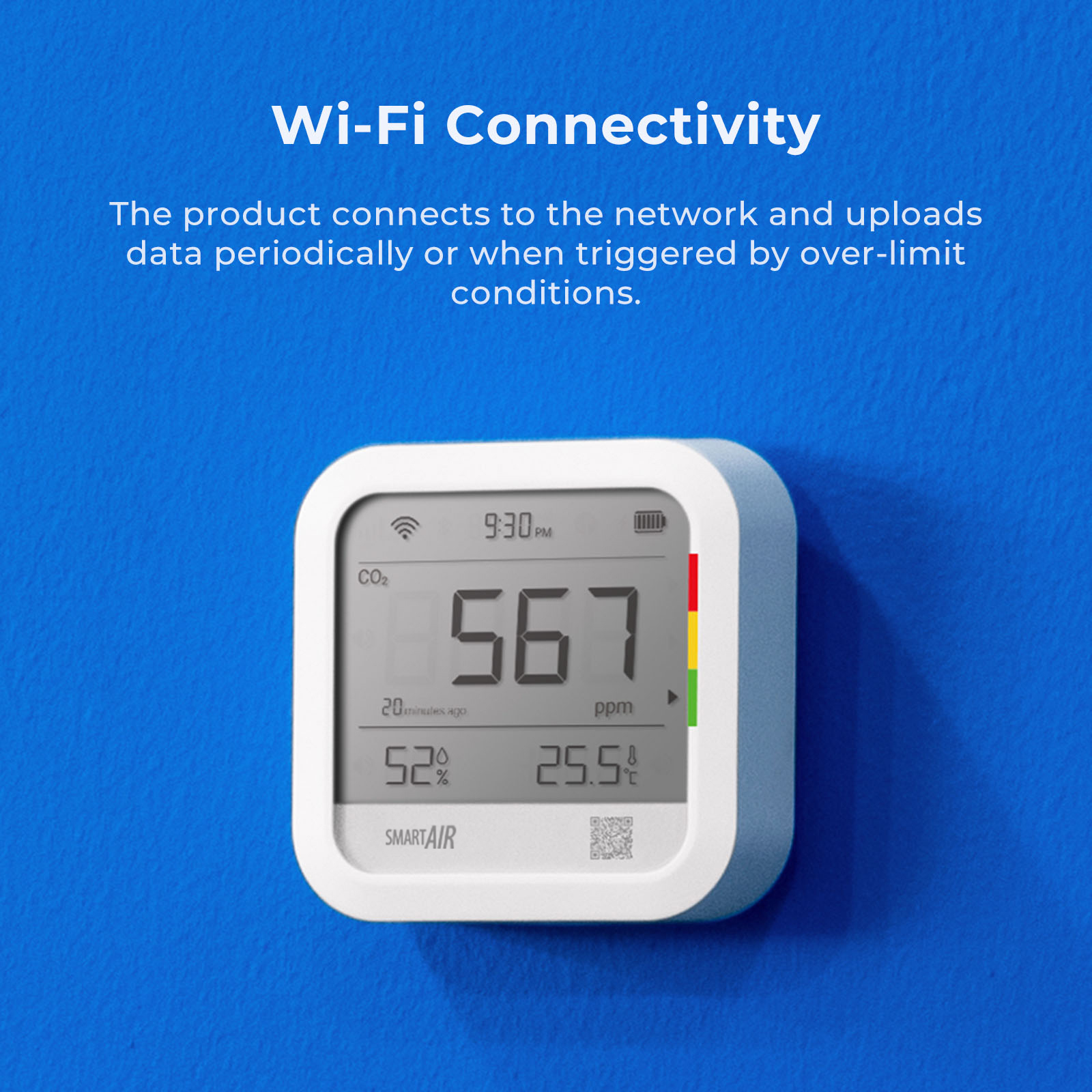
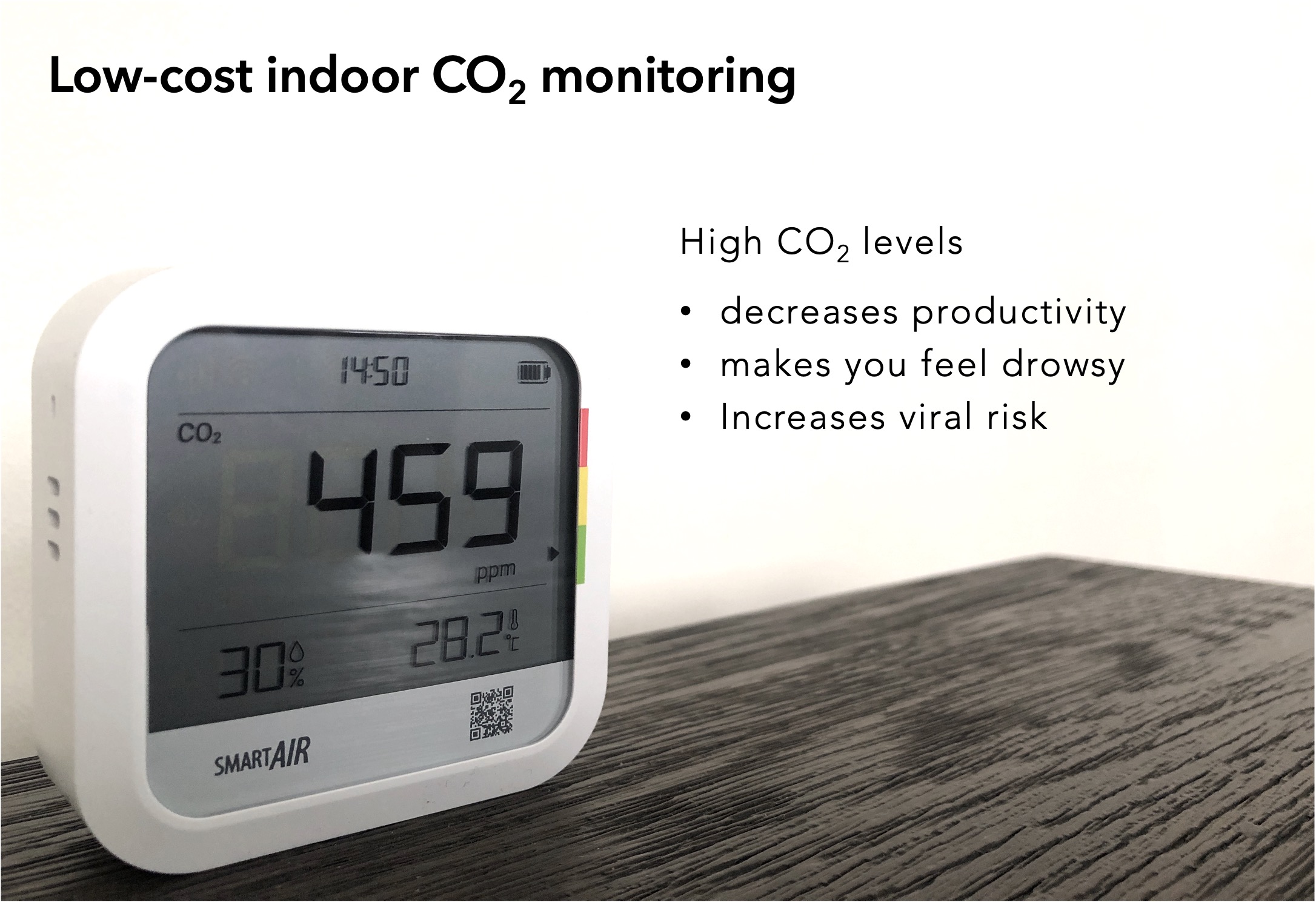
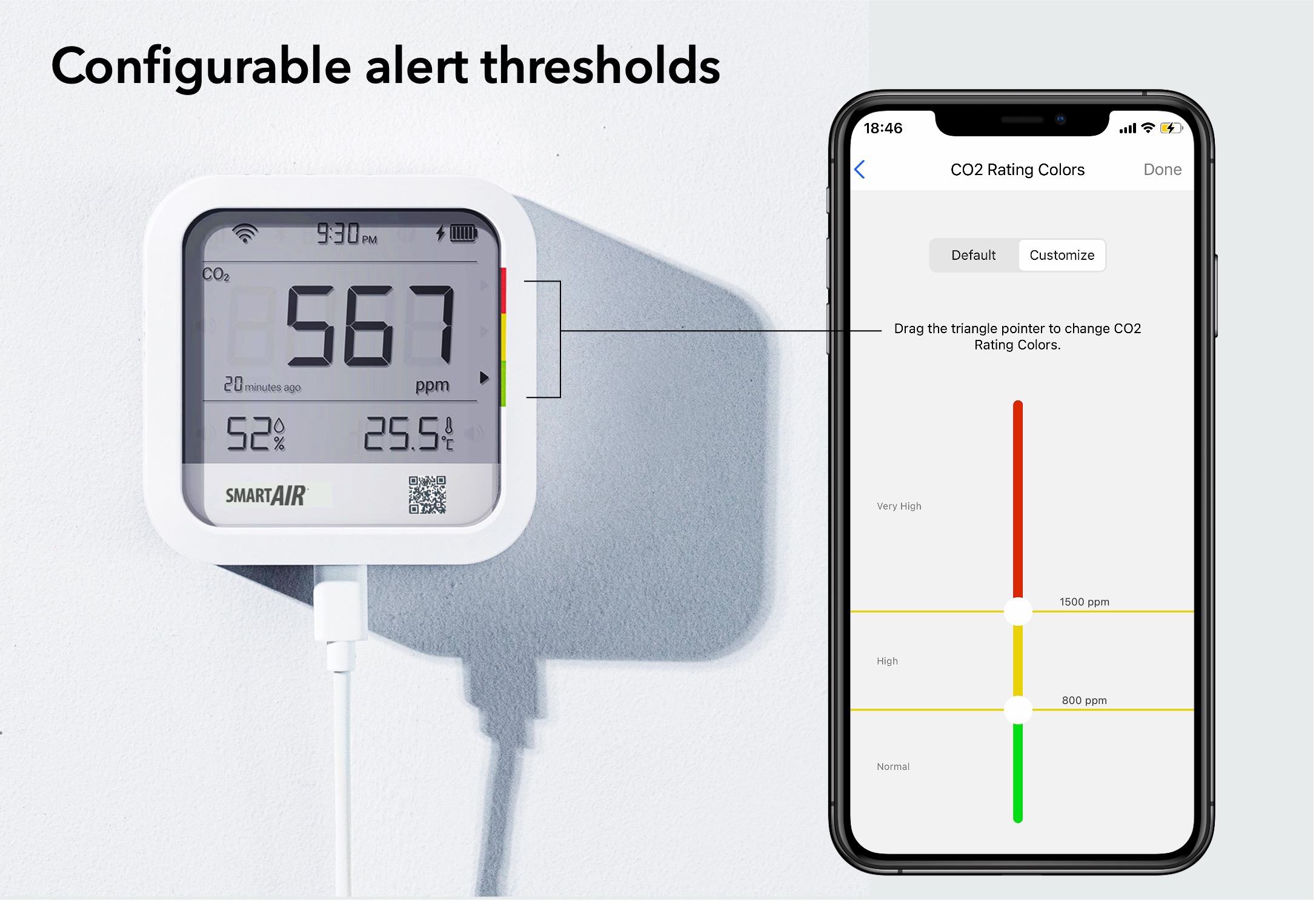
The new 3-in-1 air monitor from Smart Air measures CO2, temperature and relative humidity. Long-lasting with a battery life of up to 30 days, our low-cost monitor gives you the flexibility of choosing the alert thresholds and the frequency of recording.

Intentional design

We create with intention. Our products solve real problems with clean design and honest materials.

Quality first

We obsess over the details and strive to deliver the best products at the best prices, every time.

Customer care

We're always on your side: keeping our loyal customers happy is our top priority and number one goal.
Description


CO2 monitor from Smart Air - adjust thresholds for alerts


Low cost CO2 monitor from Smart Air


CO2 monitor from Smart Air - set notifications


CO2 Monitor Documents


Product Manual Quick set-up video instructions


Delivery information

In-stock! Delivered in 2-3 business days.

Warranty

No warranty information available.

Frequently Asked Questions

How long is the battery life?
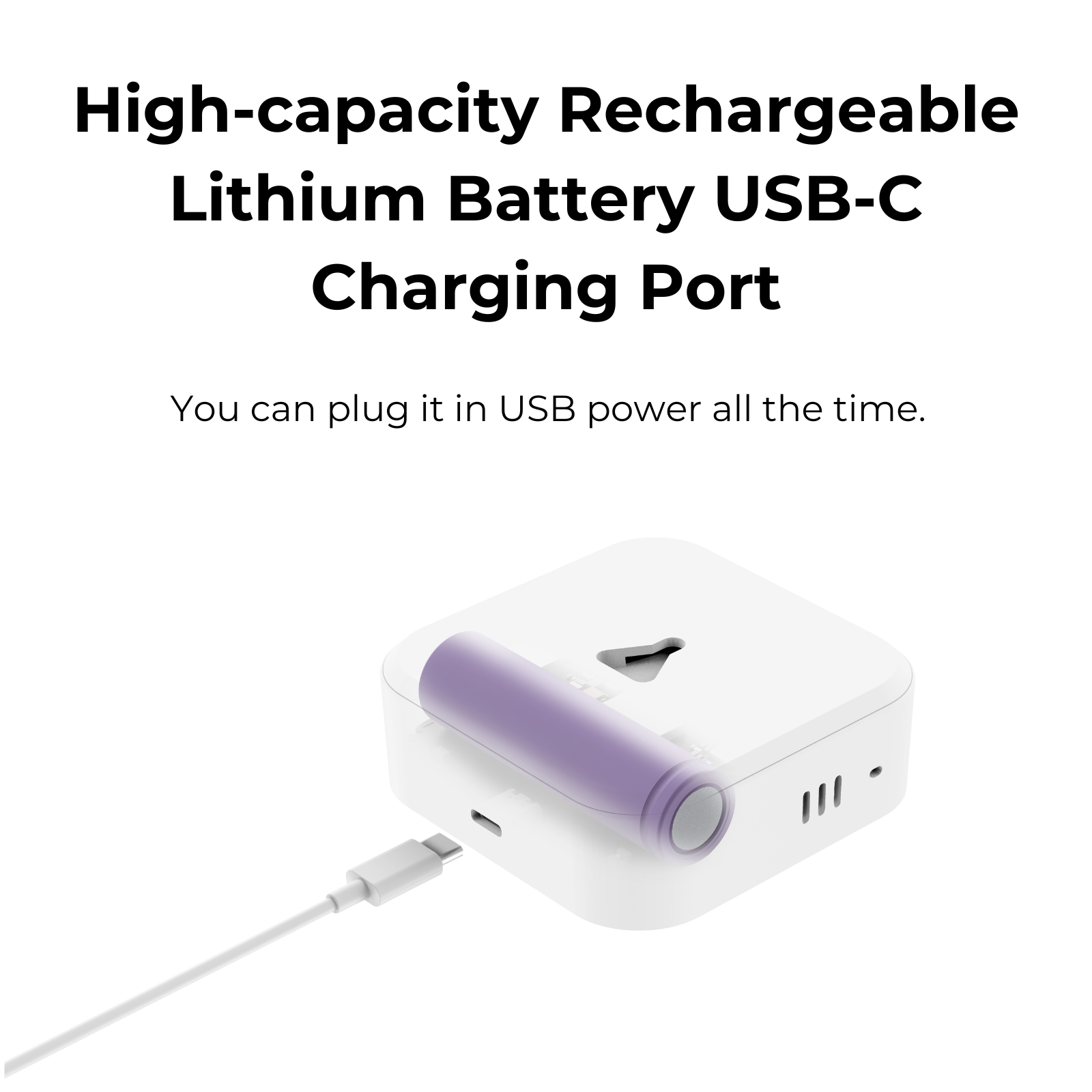
The battery can last for up to 30 days depending on your settings (frequency of recording, frequency of uploading and frequency of recording CO₂ when on battery power). The default setting is around 30 days, the minimum is 3 (in temperatures under zero degrees) or 6 days (in temperatures above zero degrees). We will try to put together a calculator that gives you a better idea of lifespan according to your chosen setting.
Why would I choose a CO₂ monitor when the QP Lite also does particles?
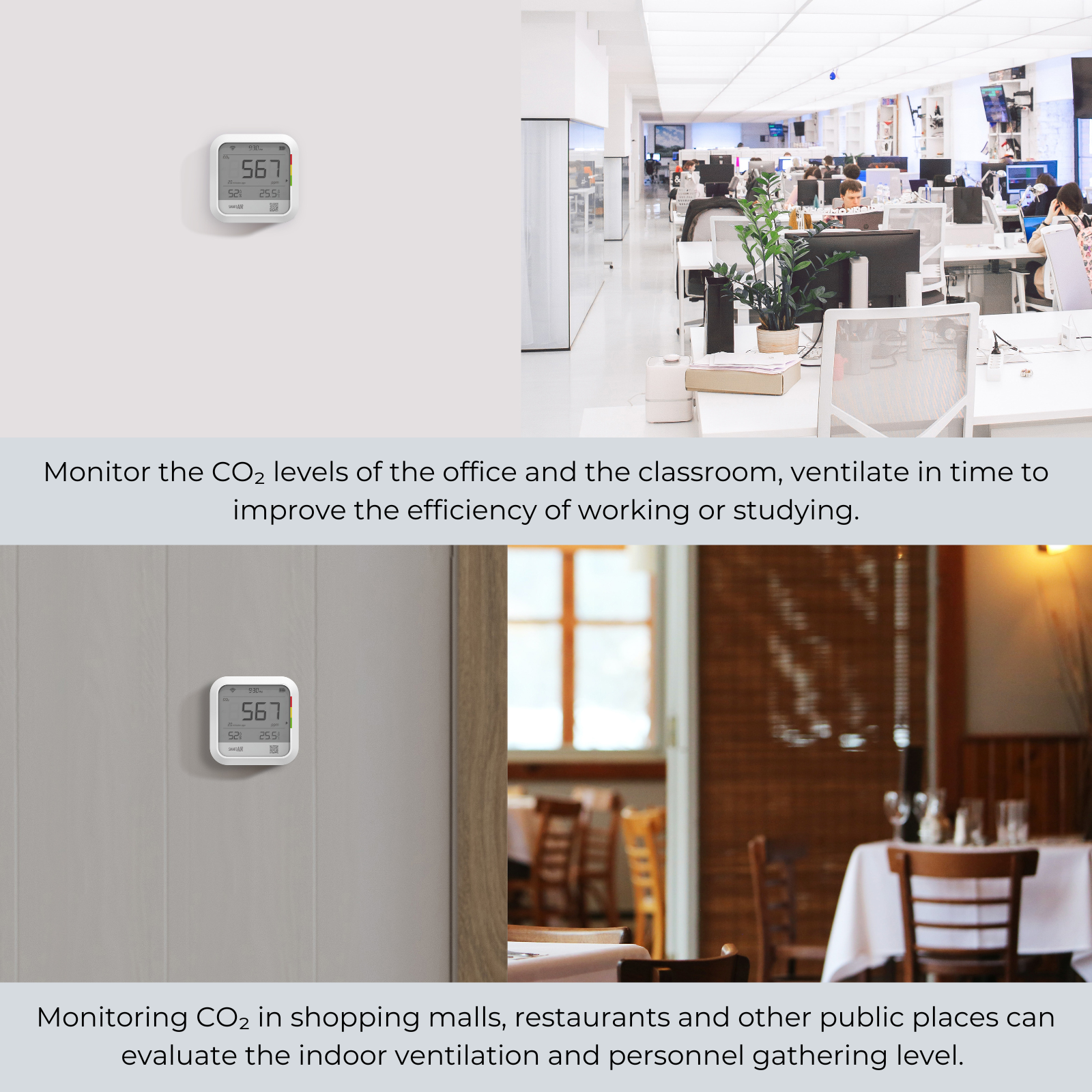
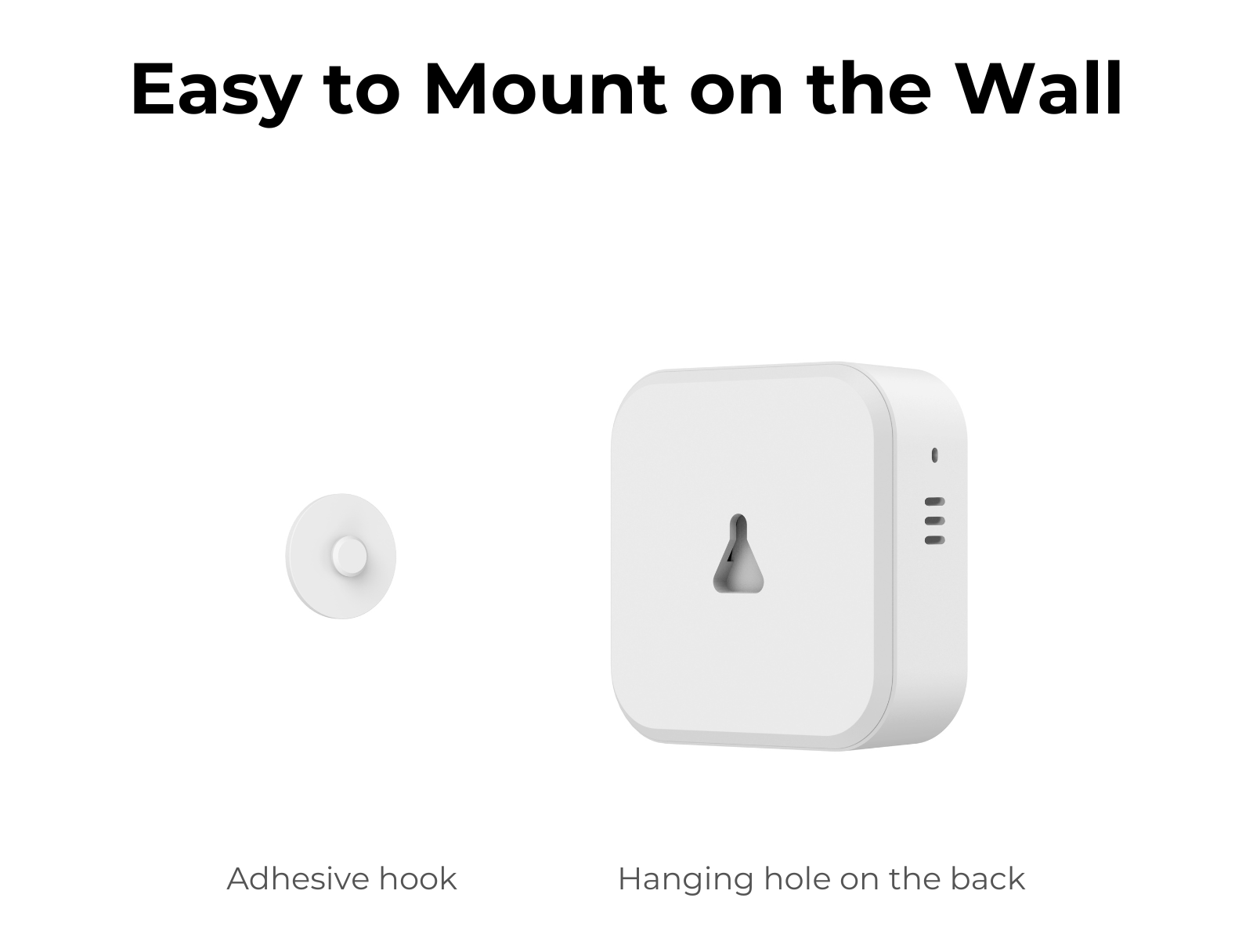
This has more features relevant to CO2 monitoring where this is the primary concern. It offers longer battery life (up to 30+ days depending on settings), is wall mountable, has the ability to set colour thresholds and has an optional buzzer on device. This makes it ideal for schools and businesses, but also for consumers that want a longer battery life.
How do I customise the settings?
The manufacturer has confirmed that it may be difficult for the air monitors to be set to airplane mode or block the surrounding signal. The good news is such device is essentially a signal receiver, which means as long as it is not actually connected to Wi-Fi or Bluetooth, it will only emit negligible EMF in comparison to a router or smartphone. A device picking up your monitor doesn’t mean they are connected and you can ask smart devices, such as TV or smartphones, to ignore your air monitor to avoid any unwanted connections. It isn’t easy to shut down the connection, or cut off the signal, on monitors as they are mainly operated via Apps, as are most monitors on the market.
Do I need to reset the CO₂ sensor?
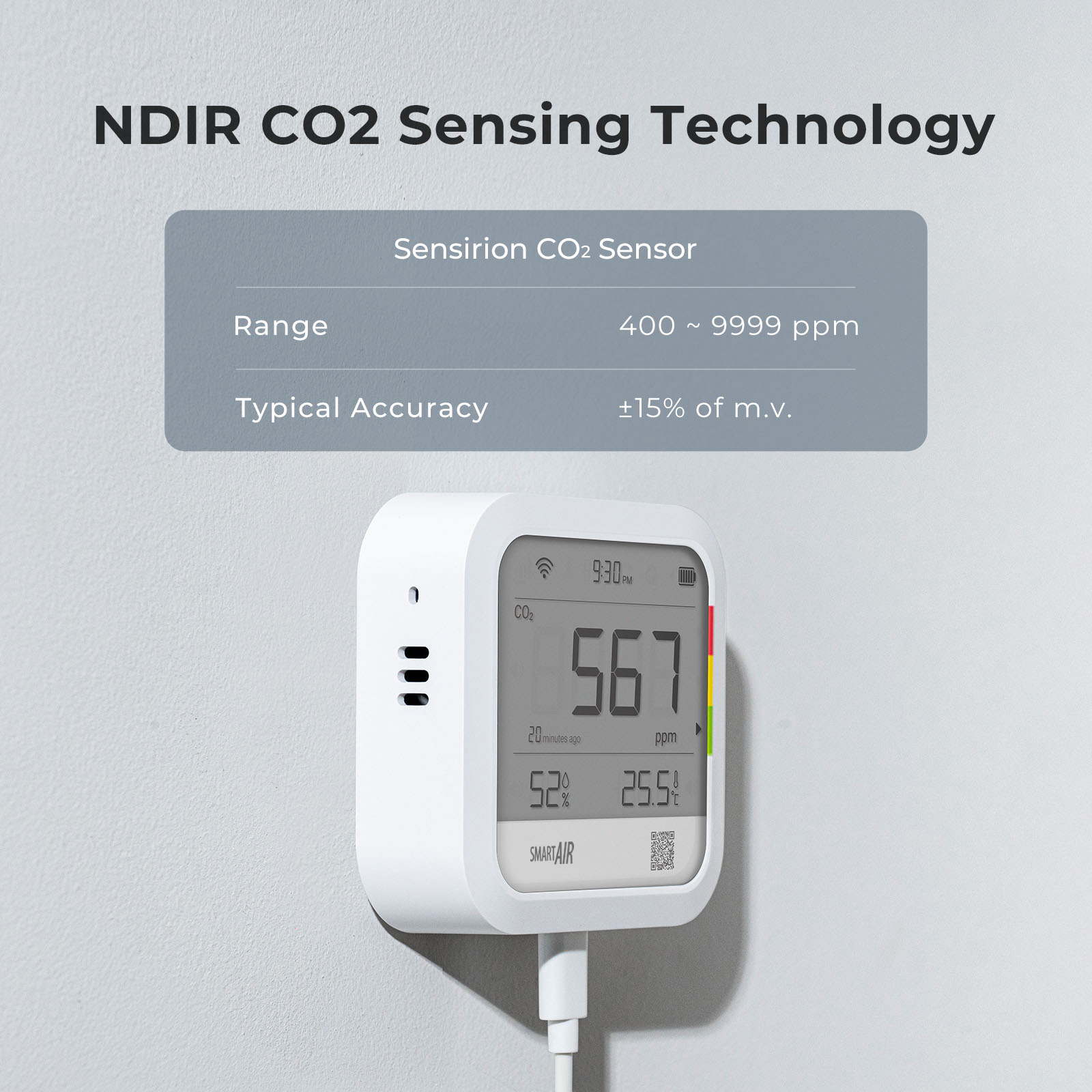
Our air monitors are calibrated at the factory and uses auto-calibration. This means that you shouldn’t need to calibrate again as long as the device is exposed to CO₂ levels of around 400-500ppm (outdoor temperature) for a few hours every month. If the device is not getting enough exposure to outdoor levels, the sensors may drift over time. If this happens, you can reset the CO₂ sensors in the Settings accessed via the app. If you need a more accurate reading, the auto-calibrate can be switched off and you can rely on regular manual resets but for most people, we recommend keeping the auto-calibrate switched on. If your indoor environment is dusty, you may need to calibrate more frequently.
What should I do if my device has stopped charging, and how can I diagnose the issue?
If your device has stopped charging, here are a few things to check: Charging Duration: How long have you been charging it? If the device hasn’t been used for a while, it might be fully depleted. Allow it to charge for at least 4 hours or overnight. Charging Source: Are you charging with a USB cable connected to a laptop or via a plug? If you're using a laptop, try switching to a plug charger instead. Cable Issue: If the device still doesn’t hold a charge, try using a different cable to rule out a faulty cable as the issue.

Didn't find your answer?

Don't hesitate to contact us

You may also like